
Voice first AI for your
your
5x faster than typing. Just speak, and it's done.
Voice first AI for
your
5x faster than typing. Just speak, and it's done.
Meetings Made Easy
Meetings Made Easy
Meetings Made Easy
Your Meetings, Automatically Captured
Automatically detects your meetings, starts and stops recording, transcribes live, and delivers a clean summary.
Share summaries instantly
Get a detailed, structured summary the moment your meeting ends
Stay present, miss nothing
See who said what in real time, and add your own thoughts without switching apps
Notes
New feature
UI Design Review

Meeting Note
UI Design Review
Jun 20, 17:45

Jason

Lila


Maya
Go to calendar
Auto
Draft...
1 Summary
1 Q&A
2 Action Items
Search
Beta v1.0.2 - alpha
Action Items
Next steps




Maya

Finalize UI Design
Handoff to dev team for implementation


Jason

GTM Sync
Confirm final assets and creative materials with marketing team
Summary 11:20–12:32
1h12m
Auto
UI Design Review Summary
Meeting Objective
Ensure the final Smart Highlight design aligns with product vision and user needs
Review interaction flow and overall user experience
UI/UX and Workflow Discussion
Overall Evaluation
The layout is intuitive and helps users quickly identify key information.
Overall color and spacing maintain consistency with the design system.
Visual quality and layout consistency
Line spacing between segments is tight, making long text blocks hard to scan.
Secondary text contrast is low, which may affect readability in dim environments.
Interaction smoothness and user clarity
The dynamic waveform animation may be too heavy for low-end devices.
Interaction feedback could be more distinct.
Technical Discussion
The main concern is the rendering performance of the waveform animation.
Simplification will reduce latency and improve responsiveness.
QA requires updated motion specs for testing across devices.
Q&A
View the original questions
When will the final design updates be ready for development?
The designer confirmed that all refinements will be completed by October 30.
What’s the estimated development and testing timeline?
Engineer will start development after receiving the final assets, by October 31.
Development expected to take about one week, completed by November 6.
QA will finalize the feature checklist by November 7.
Performance and device testing scheduled for completion by November 10.
Do we have plans to support login on iPad?
iPad has excess performance with computing power, suitable for on-device computation and information sensitive industries. This is on the road map for next month.
Share summaries instantly
Get a detailed, structured summary the moment your meeting ends
Stay present, miss nothing
See who said what in real time, and add your own thoughts without switching apps
Notes
New feature
UI Design Review
Meeting Note
UI Design Review
Jun 20, 17:45
Jason
Lila
Maya
Go to calendar
Auto
Draft...
1 Summary
1 Q&A
2 Action Items
Search
Beta v1.0.2 - alpha
Action Items
Next steps
Maya
Finalize UI Design
Handoff to dev team for implementation
Jason
GTM Sync
Confirm final assets and creative materials with marketing team
Summary 11:20–12:32
1h12m
Auto
UI Design Review Summary
Meeting Objective
Ensure the final Smart Highlight design aligns with product vision and user needs
Review interaction flow and overall user experience
UI/UX and Workflow Discussion
Overall Evaluation
The layout is intuitive and helps users quickly identify key information.
Overall color and spacing maintain consistency with the design system.
Visual quality and layout consistency
Line spacing between segments is tight, making long text blocks hard to scan.
Secondary text contrast is low, which may affect readability in dim environments.
Interaction smoothness and user clarity
The dynamic waveform animation may be too heavy for low-end devices.
Interaction feedback could be more distinct.
Technical Discussion
The main concern is the rendering performance of the waveform animation.
Simplification will reduce latency and improve responsiveness.
QA requires updated motion specs for testing across devices.
Q&A
View the original questions
When will the final design updates be ready for development?
The designer confirmed that all refinements will be completed by October 30.
What’s the estimated development and testing timeline?
Engineer will start development after receiving the final assets, by October 31.
Development expected to take about one week, completed by November 6.
QA will finalize the feature checklist by November 7.
Performance and device testing scheduled for completion by November 10.
Do we have plans to support login on iPad?
iPad has excess performance with computing power, suitable for on-device computation and information sensitive industries. This is on the road map for next month.
Share summaries instantly
Get a detailed, structured summary the moment your meeting ends
Stay present, miss nothing
See who said what in real time, and add your own thoughts without switching apps
Notes
New feature
UI Design Review
Meeting Note
UI Design Review
Jun 20, 17:45
Jason
Lila
Maya
Go to calendar
Auto
Draft...
1 Summary
1 Q&A
2 Action Items
Search
Beta v1.0.2 - alpha
Action Items
Next steps
Maya
Finalize UI Design
Handoff to dev team for implementation
Jason
GTM Sync
Confirm final assets and creative materials with marketing team
Summary 11:20–12:32
1h12m
Auto
UI Design Review Summary
Meeting Objective
Ensure the final Smart Highlight design aligns with product vision and user needs
Review interaction flow and overall user experience
UI/UX and Workflow Discussion
Overall Evaluation
The layout is intuitive and helps users quickly identify key information.
Overall color and spacing maintain consistency with the design system.
Visual quality and layout consistency
Line spacing between segments is tight, making long text blocks hard to scan.
Secondary text contrast is low, which may affect readability in dim environments.
Interaction smoothness and user clarity
The dynamic waveform animation may be too heavy for low-end devices.
Interaction feedback could be more distinct.
Technical Discussion
The main concern is the rendering performance of the waveform animation.
Simplification will reduce latency and improve responsiveness.
QA requires updated motion specs for testing across devices.
Q&A
View the original questions
When will the final design updates be ready for development?
The designer confirmed that all refinements will be completed by October 30.
What’s the estimated development and testing timeline?
Engineer will start development after receiving the final assets, by October 31.
Development expected to take about one week, completed by November 6.
QA will finalize the feature checklist by November 7.
Performance and device testing scheduled for completion by November 10.
Do we have plans to support login on iPad?
iPad has excess performance with computing power, suitable for on-device computation and information sensitive industries. This is on the road map for next month.
Notes, but smarter
Notes, but smarter
Notes, but smarter
Voice-Driven, AI-Powered Notes
Voice-driven,
AI-Powered Notes
Speak freely. Mumble rewrites your voice notes into clean, structured thoughts, auto-organizes them into Smart Notes, and drafts what you need.
Auto
Voice Note
Follow-up
I just thought, for the Christmas campaign, maybe we can do a small…
Voice note added to
Christmas Camp...

Auto
Voice Note
Follow-up
I just thought, for the Christmas campaign, maybe we can do a small…
Voice note added to
Christmas Camp...
Auto
Voice Note
Follow-up
I just thought, for the Christmas campaign, maybe we can do a small…
Voice note added to
Christmas Camp...
AI Voice Skills
AI Voice Skills
AI Voice Skills
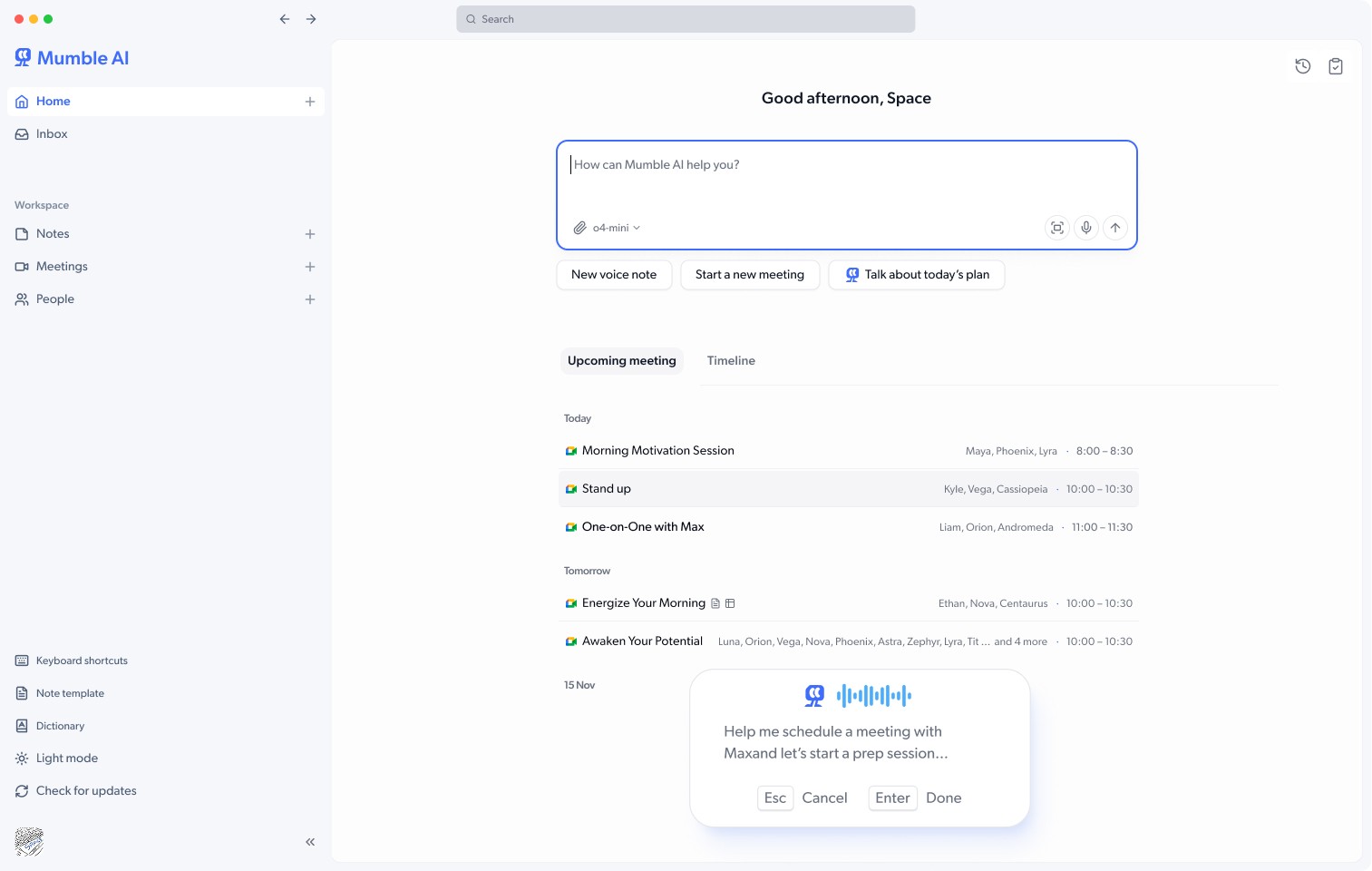
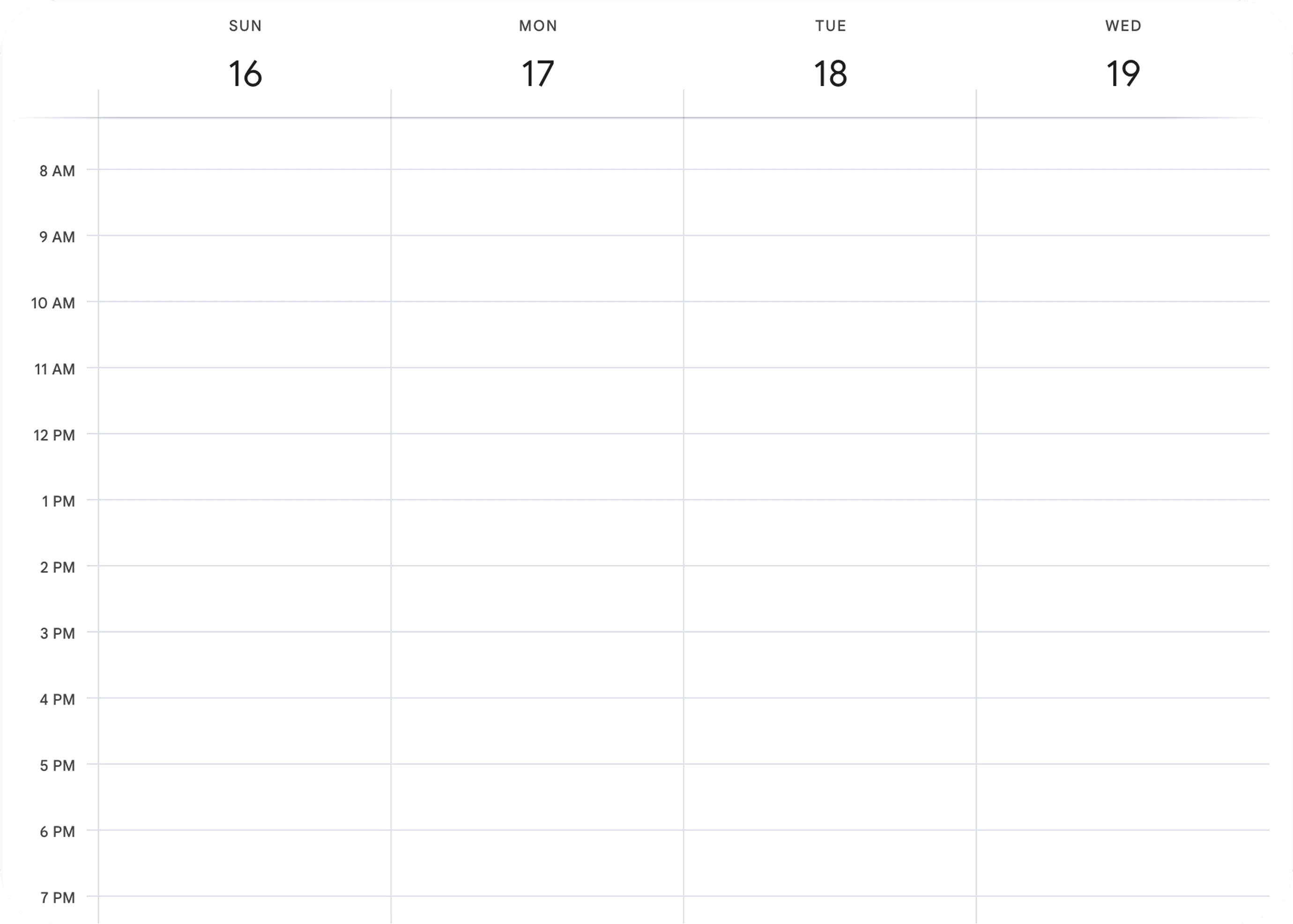
Say It, Schedule It
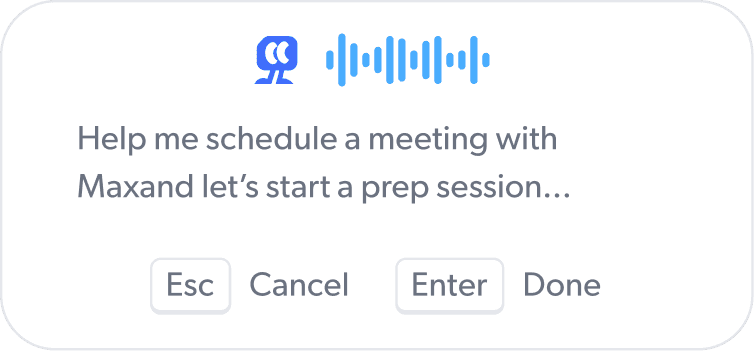
Say "Follow up with Sarah next week" or "Schedule a team sync." Mumble adds it to your calendar, just like that.
Chat with Mumble
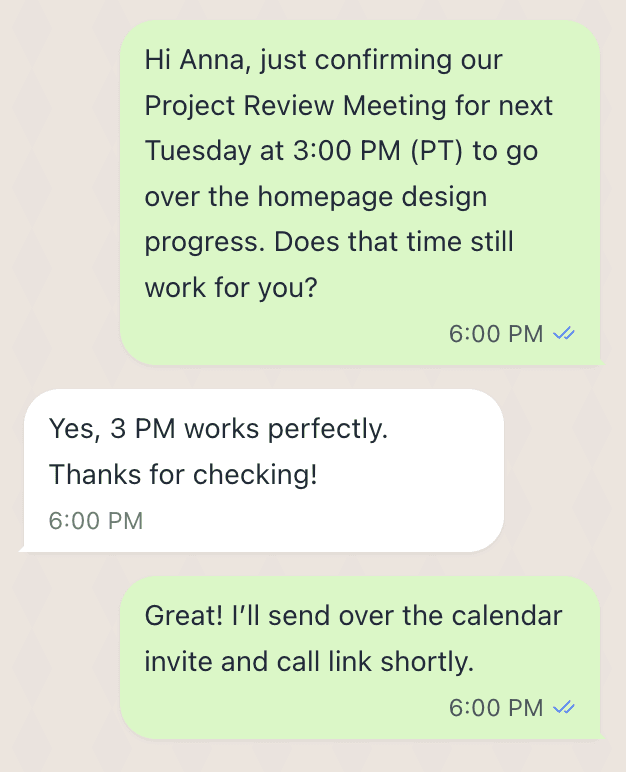
Hey Mumble, please schedule a Google meeting for this.
All set. The meeting has been added to your Google Calendar, and an invite was sent to Anna.

Meeting
Date & Time: Tuesday, Nov 18 · 3:00–4:00 PM
Location: Google Meet

Project Review with Anna
Chat with Mumble
Hey Mumble, please schedule a Google meeting for this.
All set. The meeting has been added to your Google Calendar, and an invite was sent to Anna.
Meeting
Date & Time: Tuesday, Nov 18 · 3:00–4:00 PM
Location: Google Meet
Project Review with Anna
Chat with Mumble
Hey Mumble, please schedule a Google meeting for this.
All set. The meeting has been added to your Google Calendar, and an invite was sent to Anna.
Meeting
Date & Time: Tuesday, Nov 18 · 3:00–4:00 PM
Location: Google Meet
Project Review with Anna
Search
Beta v1.0.2 - alpha
Name

Alexander Bennett
Next event tomorrow

Henry Ortiz
Next event in 3 days

Olivia Brooks
Next event in 4 days

Aiden Gupta
Next event in a week

Lindsey Yang
Next event in a week

Mason Clarke

Jennifer Zawaly
Wesley Tian
People
Follow-ups
Database
Add view
Briefing
Wiki
Basic info
Chat with Mumble
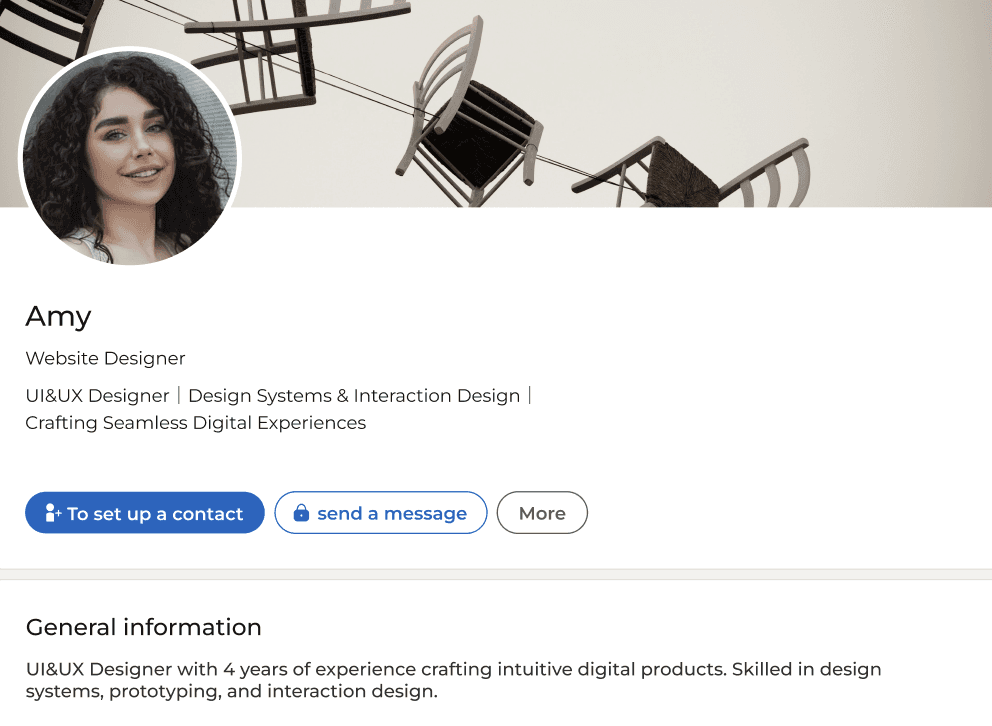
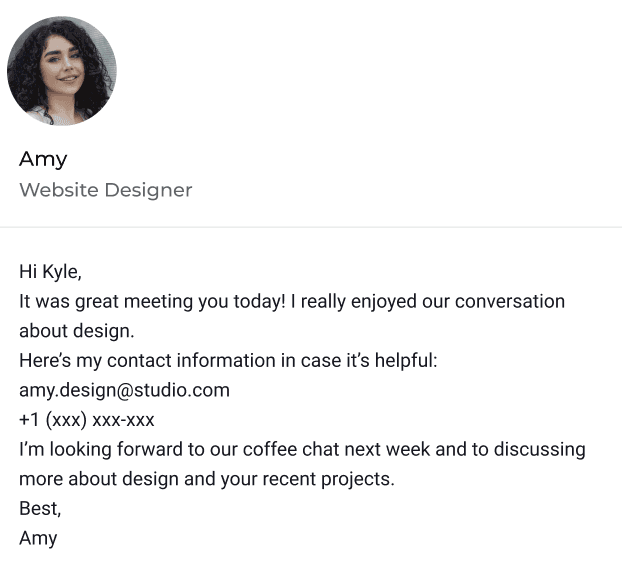
I met with Amy today. Please add her to my contacts, book a coffee chat for next Friday at 3 PM, and remind me to send her my portfolio beforehand.
Sure! Added Amy and created a follow-up event: Coffee Chat (next Friday, 3 PM). I will also remind you to send her the portfolio.
Created contact

Amy Collins
amy.design@studio.com
+1 (234) 567-8900
Amy Collins
Search
Beta v1.0.2 - alpha
Name
Alexander Bennett
Next event tomorrow
Henry Ortiz
Next event in 3 days
Olivia Brooks
Next event in 4 days
Aiden Gupta
Next event in a week
Lindsey Yang
Next event in a week
Mason Clarke
Jennifer Zawaly
Wesley Tian
People
Follow-ups
Database
Add view
Briefing
Wiki
Basic info
Chat with Mumble
I met with Amy today. Please add her to my contacts, book a coffee chat for next Friday at 3 PM, and remind me to send her my portfolio beforehand.
Sure! Added Amy and created a follow-up event: Coffee Chat (next Friday, 3 PM). I will also remind you to send her the portfolio.
Created contact
Amy Collins
amy.design@studio.com
+1 (234) 567-8900
Amy Collins
Search
Beta v1.0.2 - alpha
Name
Alexander Bennett
Next event tomorrow
Henry Ortiz
Next event in 3 days
Olivia Brooks
Next event in 4 days
Aiden Gupta
Next event in a week
Lindsey Yang
Next event in a week
Mason Clarke
Jennifer Zawaly
Wesley Tian
People
Follow-ups
Database
Add view
Briefing
Wiki
Basic info
Chat with Mumble
I met with Amy today. Please add her to my contacts, book a coffee chat for next Friday at 3 PM, and remind me to send her my portfolio beforehand.
Sure! Added Amy and created a follow-up event: Coffee Chat (next Friday, 3 PM). I will also remind you to send her the portfolio.
Created contact
Amy Collins
amy.design@studio.com
+1 (234) 567-8900
Amy Collins
Grow your nework
Grow your nework
Grow your nework
Remember Everyone You Meet
People from your meetings and chats, saved and updated with their context automatically.
how it works
Master Mumble in 3 simple steps
Smart. Instant. Voice-First.
how it works
Master Mumble in 3 simple steps
Smart. Instant. Voice-First.
how it works
Master Mumble in 3 simple steps
Smart. Instant. Voice-First.

esc

F1
F2
F3
F4
F5
F6
F7
F8
F9
F10
F11
F12

§
±
1
!
2
@
3
#
4
$
5
%
6
^
7
&
8
*
9
(
0
)
-
_
+
=

⌫

Q
W
E
R
T
Y
U
I
O
P
{
[
}
]

⇪
A
S
D
F
G
H
J
K
L
:
;
“
‘
|
\

⇧
`
~
Z
X
C
V
B
N
M
<
,
>
.
?
/

⇧
fn
control
option
⌥

command

command
⌥
option

◀︎


▼︎
▲
▶︎
Option
Space
1. Start with a Shortcut
1. Start with a Shortcut
Press your shortcut and start talking. Mumble opens instantly, ready to listen and act.
Press your shortcut and start talking. Mumble opens instantly, ready to listen and act.
2. Just Speak to Mumble
2. Just Speak to Mumble
Dictate or command. Mumble understands your intent and shifts instantly between writing and doing.
3. Watch Everything Done
3. Watch Everything Done
From your words, Mumble drafts, structures, and schedules, turning fleeting thoughts into real progress.
FAQ
What's often asked about Mumble AI
FAQ
What's often asked about Mumble AI
FAQ
What's often asked about Mumble AI
What is Mumble AI?
Mumble AI is a voice-first productivity app that helps you capture ideas, record meetings, manage tasks, and build personal CRM, all powered by AI.
How is it different from note-taking apps like Notion or Granola?
Can I use Mumble AI to record meetings?
Can Mumble recognize who’s speaking during a meeting?
What platforms does Mumble AI support?
Can I connect Mumble with my calendar?
How does Mumble understand what I mean?
How secure is my data?
How do I join the beta or get early access?
Do Mumble AI and Mumble Note work together?
What is Mumble AI?
Mumble AI is a voice-first productivity app that helps you capture ideas, record meetings, manage tasks, and build personal CRM, all powered by AI.
How is it different from note-taking apps like Notion or Granola?
Can I use Mumble AI to record meetings?
Can Mumble recognize who’s speaking during a meeting?
What platforms does Mumble AI support?
Can I connect Mumble with my calendar?
How does Mumble understand what I mean?
How secure is my data?
How do I join the beta or get early access?
Do Mumble AI and Mumble Note work together?
What is Mumble AI?
Mumble AI is a voice-first productivity app that helps you capture ideas, record meetings, manage tasks, and build personal CRM, all powered by AI.