10+ meetings a day: how an HR stays on top of it all
Feb 3, 2026
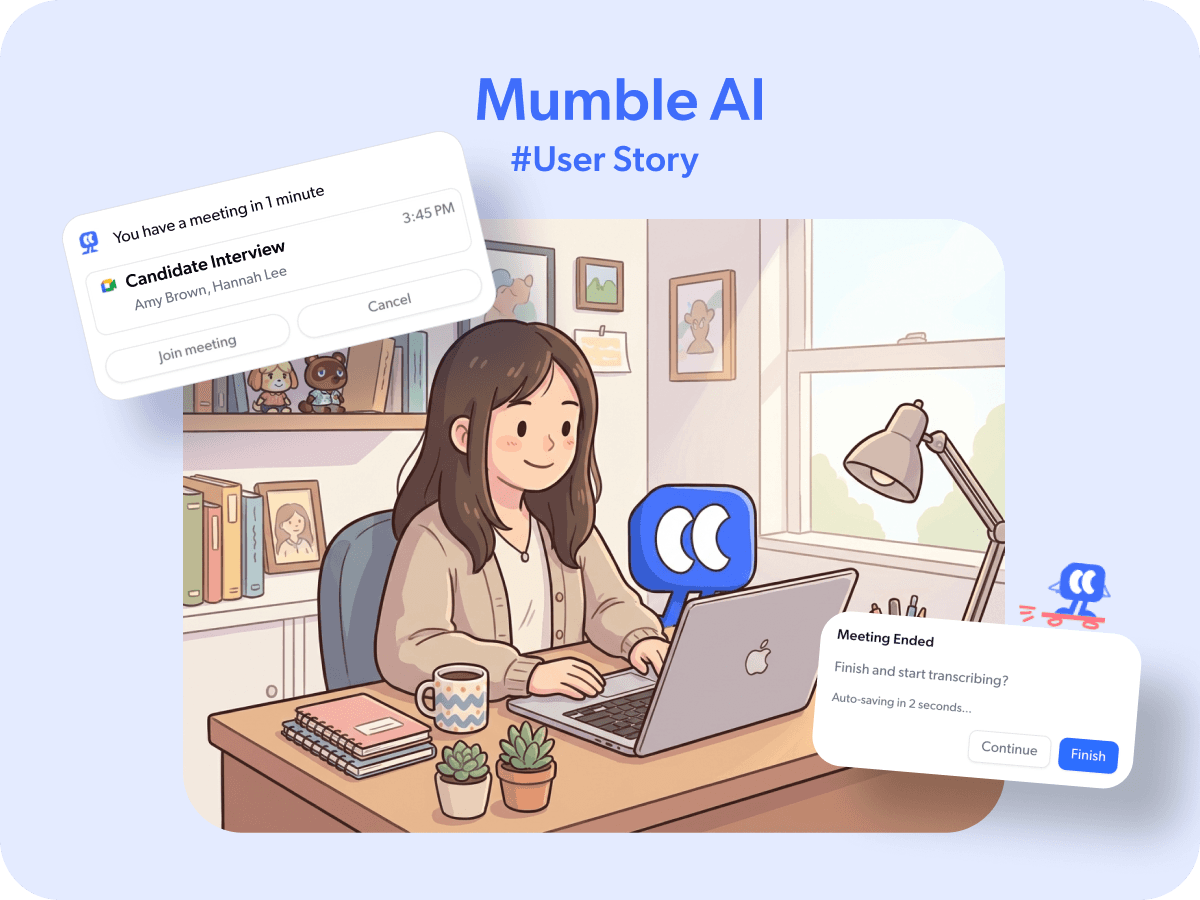
Hannah Lee is an HRBP at a tech company that partners with influencers and incubates new talent from scratch. A big part of her job is interviewing potential creators from around the world— people at different stages, speaking different languages, joining from different time zones.
On her busiest days, she runs through 10+ interviews back to back. One call ends, the next one starts. There's no time to reset, no time to organize notes, just the next calls.
One click to join, auto-record starts
When you're juggling back-to-back calls, even small steps add up. Opening your browser, finding Google Calendar, clicking the meeting link. By the time you're in, you've already missed the first minute.
Mumble AI sends a reminder one minute before each meeting. From there, Hannah can click "Join Meeting" directly from the notification, no need to dig through tabs or calendars. The moment she joins, recording starts automatically. When the call ends, it stops on its own.
"I don't check calendar or think about recording anymore," Hannah said. "I just click, join, and it's already running."
— Hannah
Notes that stay useful
During interviews, Hannah uses the floating note panel to jot down observations as needed. She stays focused on the conversation while capturing key points in real time.
When the meeting ends, Mumble generates structured AI summary. Hannah's work doesn't stop there, she needs to share specific insights with her team. That's where AI Chat comes in.
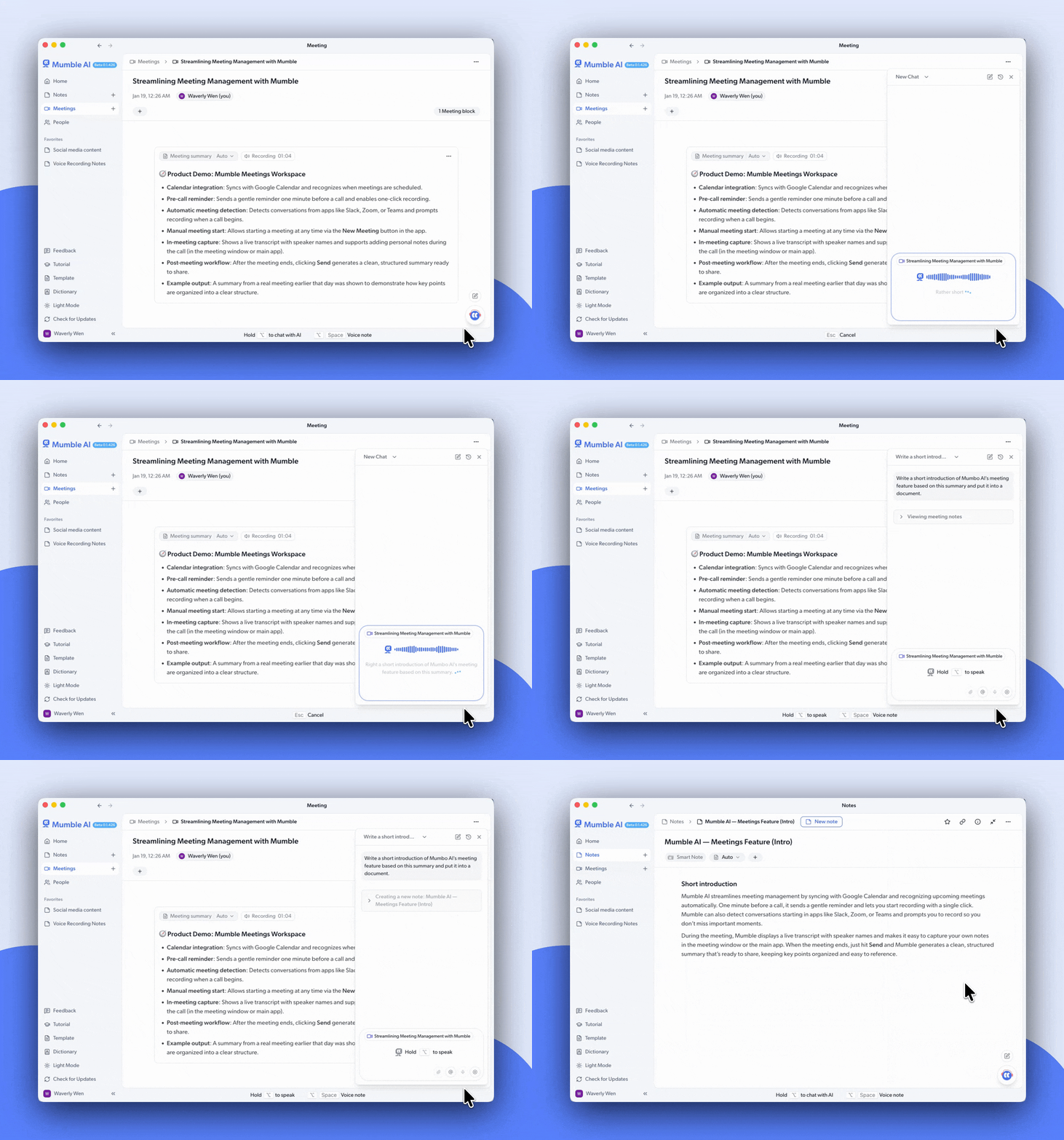
Hannah opens the chat panel and tells Mumble exactly what she needs: "Summarize this candidate's background, strengths and weaknesses" or "Pull out their background and experience." Mumble reads both her handwritten notes and the AI-generated summary, then rewrites everything into a format that's ready to share with the executive team.
Sometimes she adds evaluation notes from other HR colleagues, and Mumble combines everything into one comprehensive summary for her team.
"I used to spend 30 minutes writing up my evaluation after calls. Now I just tell Mumble what I need, and it's done."
— Hannah
Features that help Hannah work better
Auto recording. Get notified one minute before your meeting. One Click to join directly and start recording.
AI Chat. After the meeting, chat with Mumble to turn your notes into polished summaries, then share with your team.
Learn more in our Help Center ➡️