8 Best Local AI Meeting Note Takers for Mac in 2026: Private, Offline, Bot-Free Options
A local AI meeting note taker for Mac records, transcribes, and summarizes meetings on your device, without uploading meeting audio to the cloud.
That sounds simple, but in 2026 the category is confusing. Some apps are truly local. Some are bot-free but still process your transcript or notes in the cloud. Some are private enough for everyday meetings, but not strict enough for legal, medical, financial, or NDA-heavy work.
We tested eight AI meeting note takers for Mac across three groups:
- True local or local-configurable Mac apps: Mumble, Talat, Alter
- Open-source or local-first tools: Meetily, Hyprnote
- Bot-free but cloud-processed tools: Granola, Jamie, Otter
We built Mumble, so we will be direct about where it fits and where other tools may be better. Our main takeaway: "bot-free" does not mean "local." If your goal is privacy, offline use, or keeping meeting audio off vendor servers, that distinction matters more than almost any feature comparison.
Quick Picks
| Use Case | Best Pick | Why |
|---|---|---|
| Best local AI meeting note taker for Mac | Mumble AI | Local Mode keeps recording, transcription, speaker labels, and summaries on your Mac |
| Best offline one-time-payment option | Talat | Local meeting notes with a simple one-time purchase model |
| Best private meeting notes for regulated industries | Alter | Local transcription, Ollama support, and stronger legal / medical / financial positioning |
| Best open-source local meeting note taker | Meetily | Open-source, self-hosted, local transcription and Ollama summarization |
| Best local-first notepad for markdown workflows | Hyprnote | Local-first meeting notes with local, BYOK, or custom AI-provider options |
| Best bot-free but not local option | Granola | Strong active note-taking workflow, but cloud processing means it is not fully local |
| Best GDPR-oriented bot-free option | Jamie | EU-hosted processing and audio deletion after transcription |
| Best for existing Otter users | Otter Desktop | Mature Otter workflow without a visible meeting bot, but still cloud-based |
Bot-Free vs Local: They Are Not the Same Thing
A bot-free AI meeting note taker does not join your Zoom, Google Meet, or Teams call as a visible participant. It records audio from your computer instead.
A local AI meeting note taker goes further. It keeps the full workflow on your device: audio capture, transcription, speaker detection, and meeting summary.
Those are different privacy claims.
Granola is bot-free, but its own security page says it does not store meeting audio and instead stores the transcript and notes in a US-hosted AWS Virtual Private Cloud. That makes it a privacy-conscious cloud workflow, not a fully local one.
Jamie is bot-free and GDPR-oriented, but its materials describe audio capture on the device followed by processing in EU/German infrastructure, with audio deleted after transcription.
Otter's desktop app removes the visible meeting bot, but it is still part of Otter's cloud transcription and meeting-notes platform.
For this guide, we use a strict definition:
A tool is "true local" only if meeting audio, transcription, and summary generation can run on your Mac without sending meeting content to a cloud server.
Why Local AI Meeting Notes Matter in 2026
Cloud AI meeting tools are convenient, but they create a data-flow problem. Meeting audio often contains customer details, strategy discussions, hiring conversations, medical context, legal issues, financial information, or private employee feedback.
For many users, "the AI bot joined the call" is not the real issue. The real issue is: where did the audio go after the meeting?
That is why local AI meeting note takers are becoming more important. Apple Silicon Macs are now powerful enough to run speech-to-text and smaller language models locally. Talat, for example, publicly positions itself as using 100% on-device AI, with recordings, transcripts, and notes stored in a local database that does not leave the machine.
Local does not automatically mean better for everyone. Cloud tools can still be faster, easier for teams, and stronger for collaboration. But if your core requirement is "meeting content should not leave my Mac," cloud tools cannot solve that with better privacy language.
How We Tested
We tested each tool across real work meetings: internal standups, 1:1s, customer-style calls, and a few in-person sessions with a Mac on the table.
We tested across three hardware configurations:
- M3 MacBook Pro with 24GB unified memory
- M1 Mac mini with 16GB unified memory
- M2 MacBook Air with 8GB unified memory
We did not test on Intel Macs.
We evaluated five things:
- Local processing: Can audio capture, transcription, speaker labels, and summary run on the device?
- Offline ability: Can the tool still work without an internet connection?
- Bot-free recording: Does it record without adding a visible meeting participant?
- Meeting-note quality: Are summaries useful, specific, and action-oriented?
- Setup friction: Can a normal Mac user install and use it, or does it require model setup, API keys, or developer knowledge?
We did not treat "privacy-focused," "GDPR-friendly," "bot-free," or "audio deleted after processing" as the same thing as local. Those are useful claims, but they are not identical to offline on-device processing.
Comparison Table: Local, Offline, Private, and Bot-Free
| Tool | True Local? | Offline? | Bot-Free? | Processing Model | Best For | |
|---|---|---|---|---|---|---|
| Mumble AI | Yes, | Yes | Yes | On-device recording, transcription, speaker labels, and summary in Local Mode; Cloud Mode available | Polished private Mac meeting notes | |
| Talat | Yes | Yes | Yes | On-device meeting transcription and summaries on Mac | One-time-payment local meeting notes | |
| Alter | Yes, if configured locally | Yes, for local meeting mode | Yes | Local meeting transcription and speaker ID; AI notes can use Ollama, LM Studio, BYOK, or cloud providers | Regulated-industry users who want local/private workflows | |
| Meetily | Yes, if configured locally | Yes | Yes | Local transcription and Ollama-based summary | Developers and self-hosted teams | |
| Hyprnote | Yes, depending on setup | Yes, depending on setup | Yes | Local transcription; summaries via local models, BYOK, or custom providers | Local-first notes and markdown workflows | |
| Granola | No | No | Yes | Local capture, cloud transcript/notes workflow | Active note-takers | |
| Jamie | No | No | Yes | Local capture, EU cloud processing | GDPR-oriented bot-free notes | |
| Otter | No | No | Yes (in Desktop mode only) | Desktop capture, Otter cloud workflow | Existing Otter users avoiding visible bots |
Tier 1: Polished Mac Apps
These are the easiest apps to install and use. Mumble and Talat are the clearest local-first options. Alter is also strong, but it is better described as configurable local/cloud rather than always local for every AI action.
1. Mumble AI: Best Local AI Meeting Note Taker for Mac Professionals
True local: Yes (Local Mode)
Offline: Yes, (Local Mode)
Bot-free: Yes
Platform: Mac, iOS coming
Hardware: Apple Silicon Mac (M1+), macOS 15+; 24GB unified memory recommended for Local Mode
Best for: Professionals who want private meeting notes, dictation, and voice notes in one Mac workspace
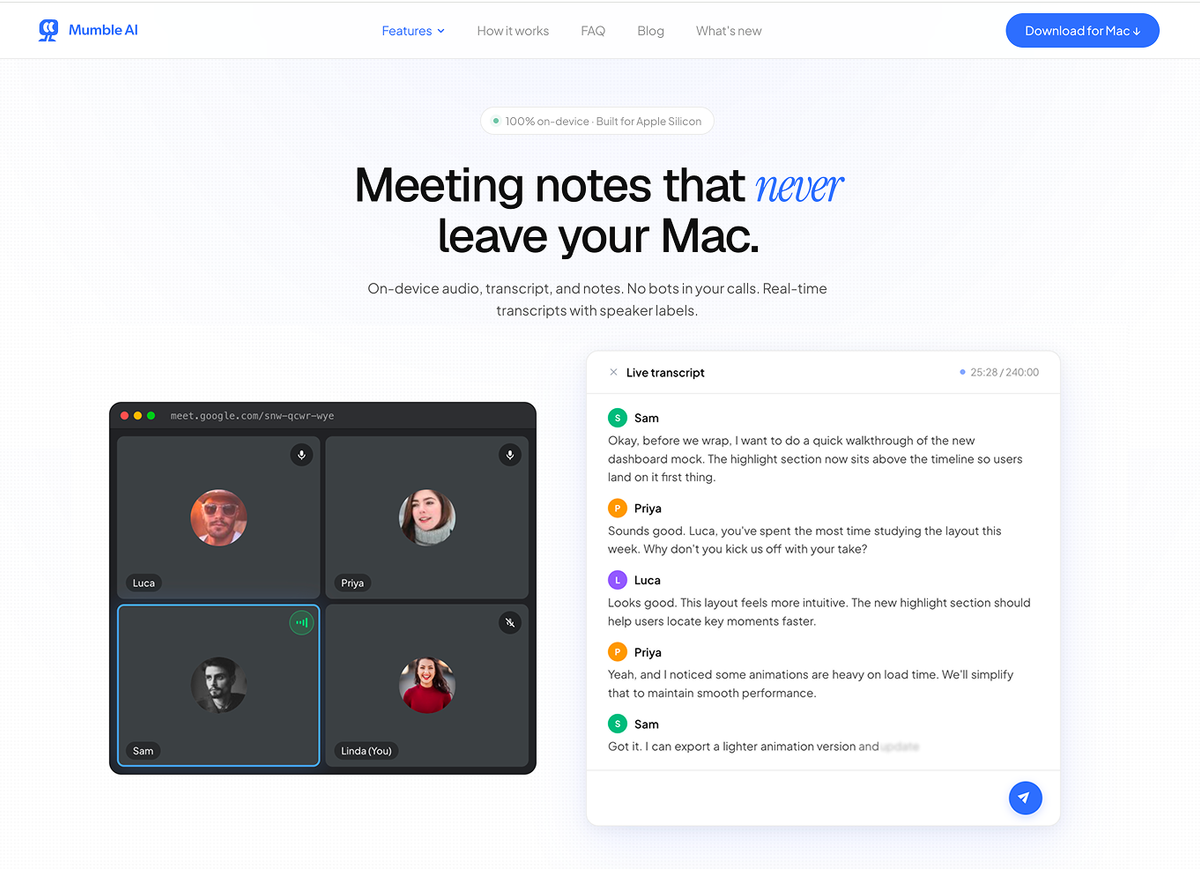
Mumble is the best fit if you want a polished local AI meeting note taker for Mac, but you do not want meeting notes to be the only voice workflow on your computer.
In Local Mode, Mumble records, transcribes, identifies speakers, and generates meeting summaries entirely on your Mac. Audio does not leave the device, and the app works offline. That makes it a strong option for founders, consultants, lawyers, researchers, and anyone handling meetings where cloud transcription feels too exposed.
It is also built for real meeting conditions, not just clean studio audio. On-device noise reduction and echo cancellation clean up hybrid calls and noisy rooms. Speaker labels make notes read like "Sarah said X, then Mike asked Y" instead of one wall of text. The transcription pipeline handles multilingual calls and harder accents, with summaries generated by a local LLM.
What makes Mumble different from single-purpose local recorders is scope. It is not only a meeting recorder. It also includes system-wide dictation, voice notes, and voice-first workflows across your Mac. If your day includes calls, quick thoughts, follow-up messages, and documents, Mumble feels more like a voice-first workspace than a standalone meeting transcription app.
Mumble also includes Cloud Mode for flexibility. Local Mode is for private or offline meetings. Cloud Mode is lighter and works better on less powerful hardware. You can switch anytime.
The main downside is hardware. Mumble only supports Apple Silicon Macs with macOS 15 or later, and Local Mode is best with 24GB+ unified memory. If you are on a lighter device, Mumble Cloud Mode may be more practical.
Pros
- True local mode for private and offline AI meeting notes
- Recording, transcription, speaker labels, and summary all run on-device
- Bot-free capture. No AI participant joins your meeting
- Local audio cleanup and speaker labeling for real meeting conditions
- Broader voice workflow: meetings, dictation, voice notes, and AI rewriting
- Manual switch between Local Mode and Cloud Mode
Cons
- Apple Silicon only
- Requires macOS 15+
- Local Mode has a higher hardware requirement than simpler tools
- Less ideal if you only want a cheap single-purpose meeting recorder
2. Talat: Best Offline One-Time-Payment Meeting Note Taker
True local: Yes
Offline: Yes
Bot-free: Yes
Platform: Mac, Windows
Hardware: macOS 15+ on Apple Silicon, or Windows 10+
Price: $49 pre-release; post-1.0 pricing may change
Best for: Users who want a simple local meeting notes app with no subscription
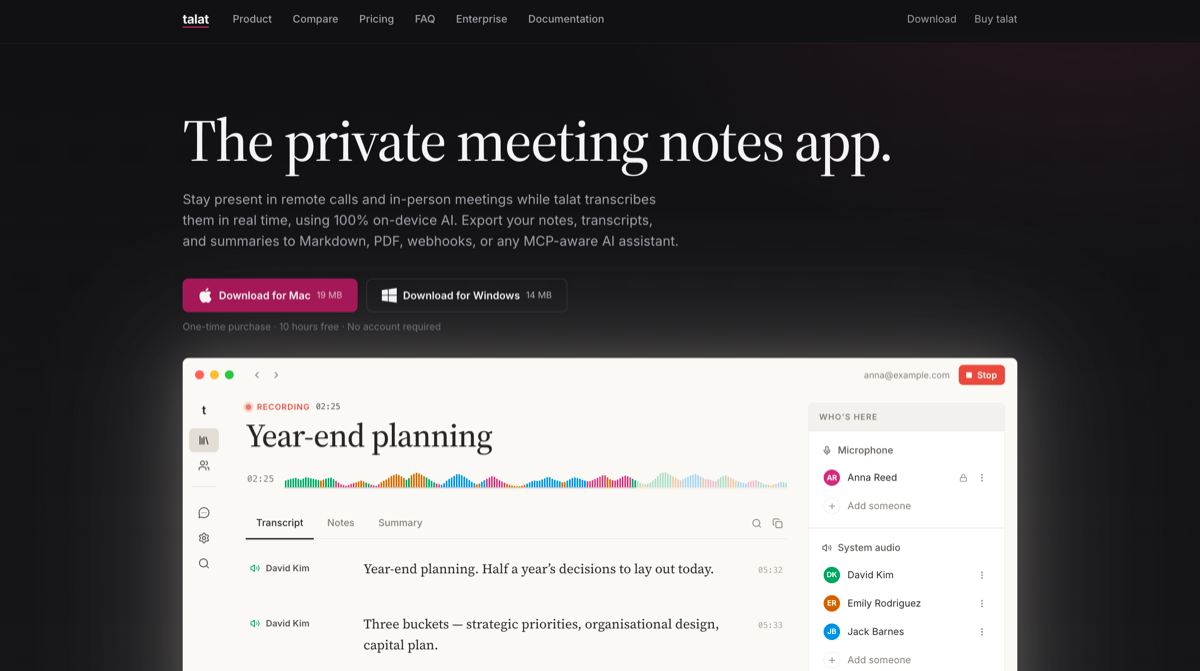
Talat is one of the cleanest local-first meeting note takers we tested. Its positioning is direct: meeting notes that stay on your machine.
Talat says it uses 100% on-device AI, transcribes meetings in real time, generates summaries with a local LLM, and stores recordings, transcripts, and notes in a local database. Its website also lists Mac and Windows downloads, requires macOS 15+ on Apple Silicon or Windows 10+, and currently shows a $49 pre-release one-time purchase.
The product is refreshingly focused. You record meetings, get real-time transcription, and generate notes. Talat is a strong fit for users who want a simple offline meeting note taker without a subscription or account-heavy workflow.
The tradeoff is scope. Talat is mainly for meetings. If you want a broader voice workspace with dictation, voice notes, AI rewriting, and local/cloud switching, Mumble is more complete. If you want source-code control, Meetily is a better fit.
Pros
- Strong local-first positioning
- One-time purchase model
- No visible meeting bot
- Good fit for users who only need meeting notes
- Local summaries by default, with optional provider choice
Cons
- More single-purpose than Mumble
- Less flexible than open-source tools
- Limited team/collaboration story
- Local performance still depends on your hardware
3. Alter: Best Private Meeting Notes for Regulated Industries
True local: Yes, if configured locally
Offline: Yes, for local meeting processing depending on setup
Bot-free: Yes
Platform: Mac
Best for: Legal, medical, financial, and other regulated-industry users who want local transcription plus flexible AI-provider options
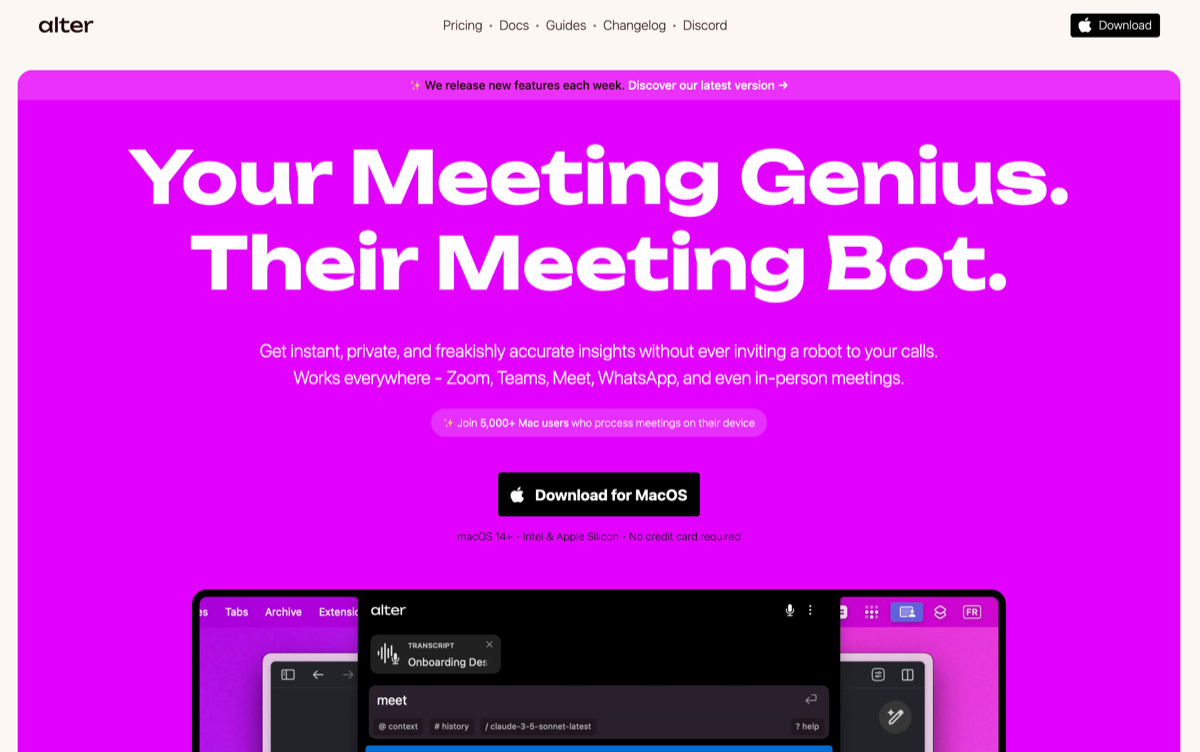
Alter is best understood as a privacy-focused Mac assistant for users who need local transcription, compliance-oriented workflows, and flexible model choices.
Its local story is meaningful. Alter's meeting page says it supports private transcriptions that happen on your device, works across Zoom, Teams, Meet, WhatsApp, and in-person meetings, and is used by Mac users who process meetings on-device.
Alter also supports local models through Ollama and LM Studio. Its documentation frames local AI as a solution for lawyers, doctors, security researchers, and anyone working with sensitive data, and says local models keep data on the Mac and can work offline.
For meeting notes, this means Alter can support a local/private workflow when configured that way. Users who want fully local processing should choose local models in settings. Users who prefer speed, larger models, or cloud-provider flexibility can also use Alter with cloud AI providers.
That makes Alter especially relevant for regulated industries. The value is not only that it can run locally, but that its product and documentation speak directly to the concerns of users handling sensitive legal, medical, financial, or security-related information.
Pros
- Strong local transcription and local-model story
- Supports Ollama and LM Studio for private AI workflows
- Bot-free meeting capture
- Good fit for legal, medical, financial, and security-related use cases
- Flexible for users who want local, BYOK, or cloud-provider options
Cons
- Users need to configure local models if they want fully local AI notes
- More complex privacy story than pure local-only tools
- Less focused than single-purpose meeting note apps
- Local model quality and speed depend on your Mac and model choice
Tier 2: Open-Source and Local-First Tools
These tools are better for developers, self-hosters, and users who want control over the AI stack. They can be very private, but they require more setup and more technical judgment.
4. Meetily: Best Open-Source Local AI Meeting Note Taker
True local: Yes, if configured locally
Offline: Yes
Bot-free: Yes
Platform: macOS, Windows
Best for: Developers, self-hosted teams, and IT teams that want source-code control
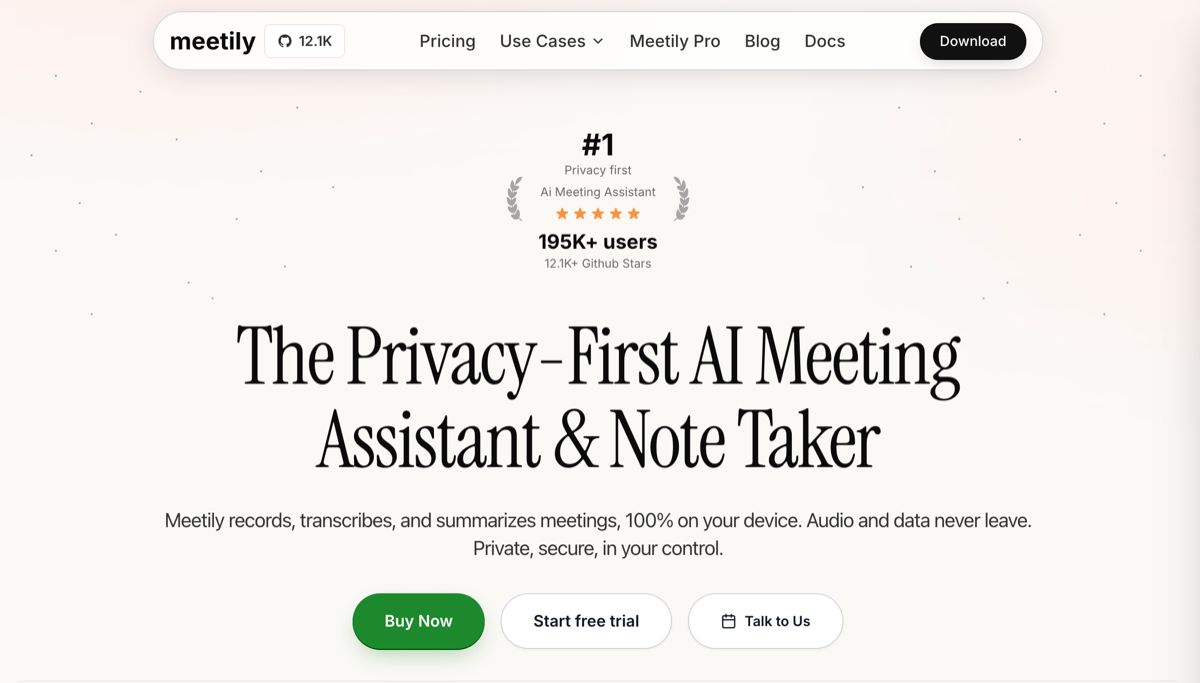
Meetily is the strongest open-source option in this guide. Its GitHub describes it as a privacy-first AI meeting assistant with Parakeet/Whisper live transcription, speaker diarization, and Ollama summarization, built on Rust. It also explicitly says 100% local processing and no cloud required.
That makes Meetily attractive for two groups: developers who want to inspect and control their stack, and organizations that want self-hosted meeting notes rather than vendor-hosted cloud notes.
The tradeoff is setup. Local models, Ollama, transcription configuration, and self-hosting decisions are not hard for technical users, but they are friction for normal Mac users. Meetily is not as polished as a commercial Mac app, and the best setup depends on your model choices.
If your IT team needs source-code review, Meetily is the most obvious pick. If you just want to download an app and record a meeting in five minutes, Mumble, Talat, or Alter will feel easier.
Pros
- Open-source and self-hostable
- Local transcription and local summarization options
- Bot-free recording
- Strong fit for technical teams
- More auditable than closed-source commercial apps
Cons
- More setup friction
- Local summary quality depends on model configuration
- Less polished than Tier 1 Mac apps
- Not ideal for non-technical users
5. Hyprnote: Best Local-First AI Notepad for Markdown Workflows
True local: Yes, depending on setup
Offline: Yes, depending on setup
Bot-free: Yes
Platform: Mac
Best for: Users who want local-first meeting notes, markdown-style workflows, and control over AI providers
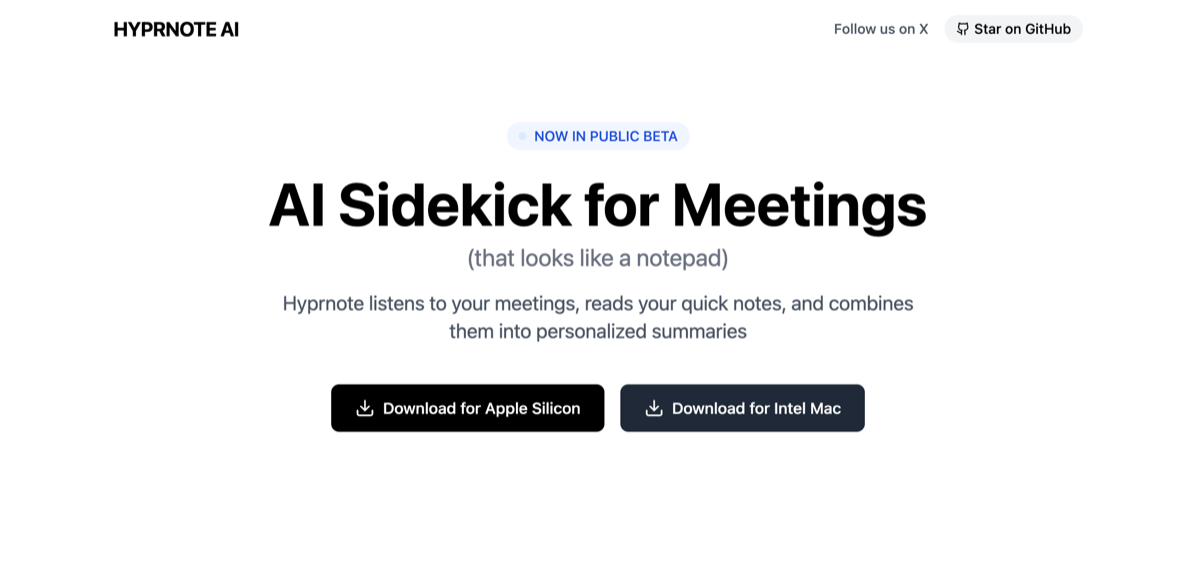
Hyprnote is a local-first AI notepad for private meetings. It is closer to an AI-enhanced notepad than a traditional meeting recorder: it listens to meetings while you write, then turns your notes and transcript into a cleaner summary.
Hyprnote's GitHub says it runs completely offline using open-source models like Whisper or HyprLLM. Its Hacker News launch post also described local AI models by default, using Whisper and HyprLLM.
The important nuance is configuration. Hyprnote can run local transcription and local AI features, but it can also support BYOK or custom-provider workflows depending on setup. When using cloud or BYOK providers, content is sent to the selected provider. When using local LLMs, everything stays on the device.
That makes Hyprnote a good fit for users who want control. If you want a fully local workflow, configure local STT and local LLMs. If you want stronger summary quality or already use external model providers, BYOK-style workflows may be more practical.
Hyprnote is especially appealing if you like markdown, local-first notes, and Obsidian-style personal knowledge workflows. It is less ideal if you want a polished, mainstream meeting assistant that decides everything for you.
Pros
- Local-first meeting note workflow
- Supports local models and configurable provider choices
- Good fit for markdown and Obsidian-style users
- Flexible privacy/quality tradeoff
- Bot-free recording
Cons
- Fully local behavior depends on setup
- BYOK/cloud-provider use sends content to the selected provider
- More configuration than a polished commercial app
- Not as broad as Mumble for dictation and voice workflows
Tier 3: Bot-Free But Not Truly Local
These tools are useful, but they should not be marketed as local AI meeting note takers. They avoid adding a visible bot to your meeting, but meeting content still depends on cloud processing.
6. Granola: Best Bot-Free AI Notepad for Active Note-Takers
True local: No
Offline: No
Bot-free: Yes
Platform: Mac, Windows, iPhone
Best for: People who actively type notes during meetings and want AI to clean them up afterward
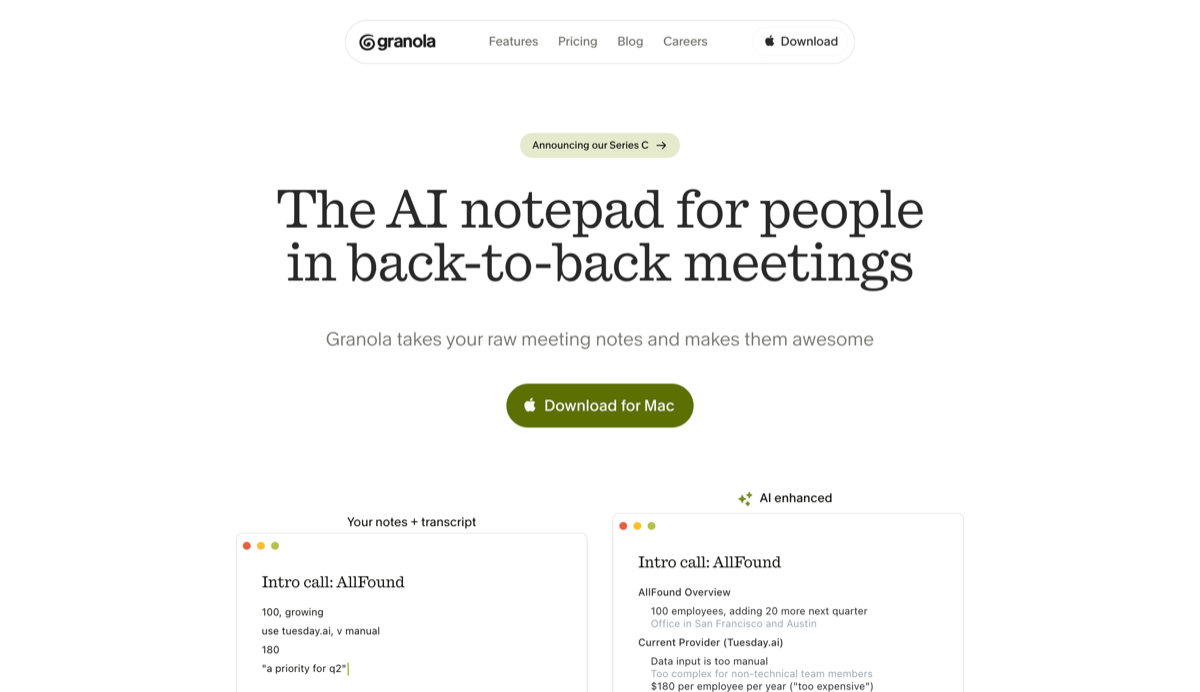
Granola is one of the best-designed products in the meeting notes category, but it is not a local AI meeting note taker.
Its core workflow is different: you type rough notes during the meeting, Granola captures meeting context, and AI turns your notes into a cleaner summary afterward. This is genuinely useful for people who already take notes live.
The privacy story is also better than some older cloud recorders because Granola says it does not store meeting audio. However, its security page says it stores the transcript and notes in US-hosted AWS infrastructure. That means it is bot-free and privacy-conscious, but not local.
Granola is a good choice if you do not want a meeting bot and you like actively writing notes. It is not the right choice if your requirement is "meeting content never leaves my Mac."
Pros
- Excellent active note-taking workflow
- No visible meeting bot
- Strong UX and polished summaries
- Good for 1:1s, customer calls, and internal meetings
- Does not store meeting audio long-term
Cons
- Not local
- Not offline
- Notes and transcripts are cloud-based
- Less suitable if you need replayable audio
- Requires privacy settings review for sensitive teams
7. Jamie: Best GDPR-Oriented Bot-Free Meeting Assistant
True local: No
Offline: No
Bot-free: Yes
Platform: Mac, Windows, iOS
Price: Free plan; paid Plus and Pro plans
Best for: European users who want bot-free meeting notes with EU data handling
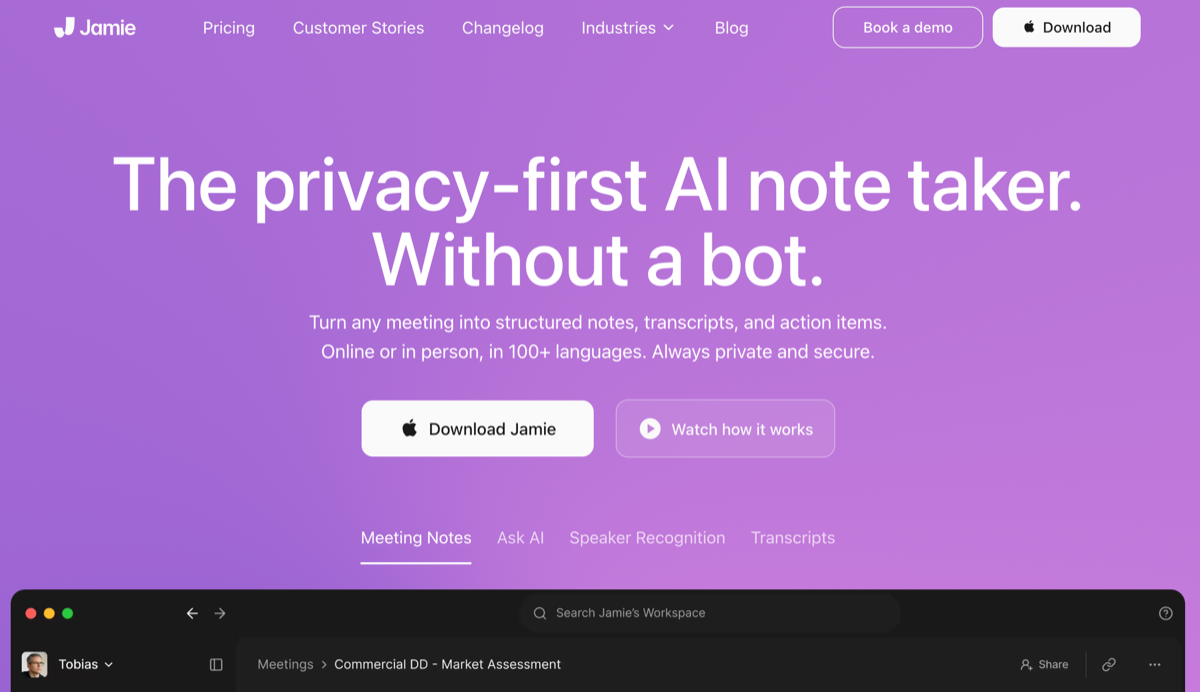
Jamie is a bot-free AI meeting assistant with a strong European privacy posture. It records from your device without adding a meeting bot, then processes meeting audio through EU/Germany-based infrastructure.
Jamie says it captures audio directly from macOS or Windows without sending a virtual bot into the meeting. It also says all data is hosted and processed in the EU on servers in Germany, audio is processed on German servers, and audio is permanently deleted after transcription.
That is a meaningful privacy posture. It may be enough for many GDPR-oriented teams. But it is not local. If your requirement is "audio never leaves the device," Jamie does not meet that bar.
Jamie is best for users who care more about EU data residency and bot-free capture than strict offline processing.
Pros
- Bot-free meeting capture
- EU/Germany-based data handling
- Audio deleted after transcription
- Good structured meeting summaries
- Works across common meeting platforms
Cons
- Not local
- Not offline
- Audio is uploaded for processing
- Higher price than some alternatives
- Not the right fit for strict on-device-only requirements
8. Otter Desktop: Best for Existing Otter Users Who Want No Visible Bot
True local: No
Offline: No
Bot-free: Yes
Platform: Mac, Windows, iOS, Android through the broader Otter ecosystem
Best for: Teams already using Otter who want to avoid visible meeting bots
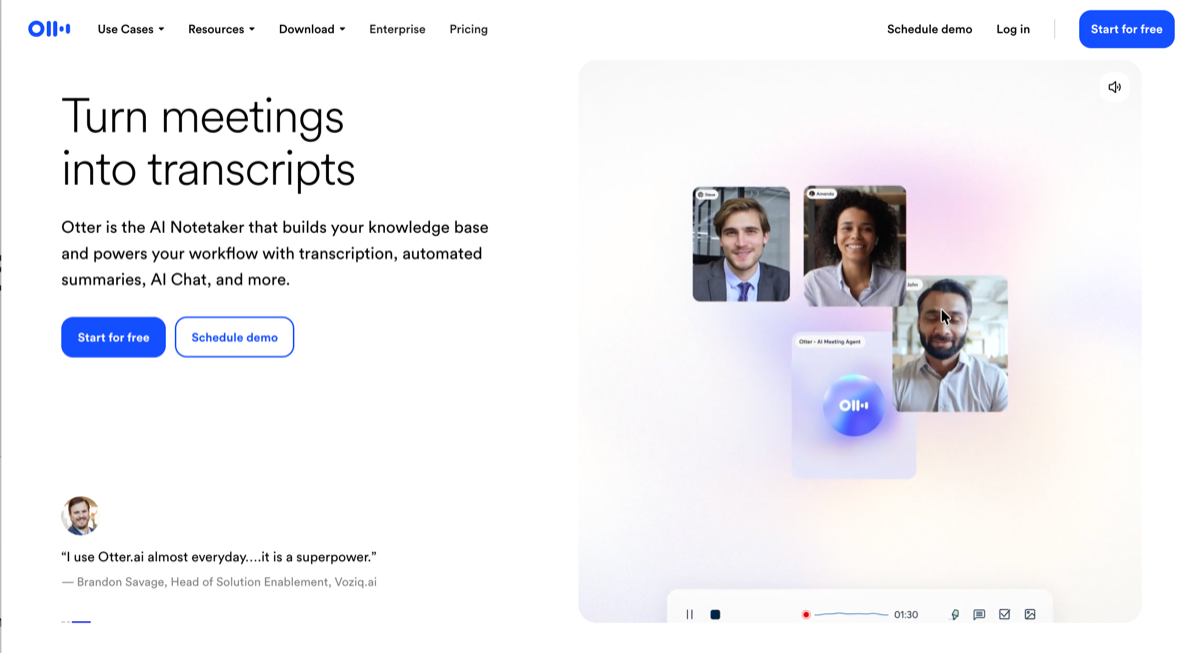
Otter is one of the most established AI transcription products, and its desktop app makes the workflow less intrusive by recording directly from your Mac or Windows desktop without a visible bot joining the meeting. Otter describes its desktop app as a bot-free recorder for Mac and Windows.
That does not make Otter local. Otter remains a cloud AI transcription and meeting-notes platform. Its pricing and product pages describe a service with transcription minutes, AI summaries, imports, storage, and team features.
If your team already uses Otter, the desktop app is a useful way to avoid the social friction of an AI participant joining sensitive calls. But if your reason for leaving Otter is privacy, offline use, or keeping meeting content on-device, Otter Desktop does not solve that problem.
Pros
- Mature transcription product
- Bot-free desktop recording option
- Strong team workspace and search
- Familiar for existing Otter users
- Works across many platforms
Cons
- Not local
- Not offline
- Cloud workflow remains
- Free plan and meeting limits may be restrictive
- Not ideal for strict privacy or regulated workflows
How to Choose a Local AI Meeting Note Taker
1. Do you actually need true local?
Choose a true local or local-configurable tool if:
- Your meetings include legal, medical, financial, or confidential customer information
- Your employer or client restricts cloud transcription
- You sign NDAs that limit third-party processing
- You want meeting notes to work offline
- You do not want meeting audio uploaded to a vendor server
You may not need true local if:
- You mainly dislike visible meeting bots
- You want cleaner notes, not strict data control
- Your company already approves cloud transcription tools
- You need team collaboration more than on-device processing
If you are unsure, default to local for sensitive meetings. You can always use cloud mode or cloud tools for lower-risk calls.
2. What Mac do you have?
Local AI is hardware-dependent.
If you have an Apple Silicon Mac with 24GB unified memory or more, Mumble Local Mode is a strong fit because it can run the full meeting-note workflow on-device.
If you have an M1 or M2 Mac with less memory, Talat, Alter local transcription, or a lighter Meetily/Hyprnote setup may be more practical.
If you are on an Intel Mac, local AI meeting notes are usually not worth the tradeoff. Use a cloud tool or upgrade to Apple Silicon.
3. Do you want a meeting recorder or a voice workspace?
If you only want meeting notes, Talat is clean and focused.
If you want meeting notes plus dictation, voice notes, AI rewriting, and local/cloud switching, Mumble is broader.
If you want a general Mac assistant with local and cloud AI options, Alter is worth considering.
If you want source-code control, Meetily is the best fit.
If you want markdown-style local notes, Hyprnote is the most natural choice.
4. Do you want zero setup or full control?
Pick a polished Mac app if you want speed:
- Mumble
- Talat
- Alter
Pick an open-source/local-first tool if you want control:
- Meetily
- Hyprnote
Pick a bot-free cloud tool if your main issue is meeting bots, not cloud processing:
- Granola
- Jamie
- Otter Desktop
FAQ
What is the best local AI meeting note taker for Mac?
For most Mac professionals, Mumble is the best local AI meeting note taker if you want private meeting notes, local speaker labels, dictation, voice notes, and AI rewriting in one workspace. Talat is better if you want a simpler one-time-payment meeting recorder. Alter is better if you want local transcription plus flexible local/cloud AI providers.
Is there an offline AI meeting note taker for Mac?
Yes. Mumble Local Mode, Talat, Meetily, and Hyprnote can support offline meeting-note workflows. Alter can also support local meeting processing depending on configuration. The key question is whether transcription and summary both run on your Mac.
Is bot-free the same as local?
No. Bot-free means no AI participant joins your meeting. Local means meeting audio, transcription, and summary run on your device. Granola, Jamie, and Otter Desktop are bot-free, but they are not truly local AI meeting note takers.
Can I transcribe meetings locally on a Mac?
Yes. Apple Silicon Macs can run modern speech-to-text models locally. Apps like Mumble, Talat, Alter, Meetily, and Hyprnote use this to record and transcribe meetings without relying on a meeting bot.
Is Granola a local AI meeting note taker?
No. Granola is bot-free, but not fully local. It does not retain meeting audio long-term, but its security page says it stores transcripts and notes in cloud infrastructure.
Is Jamie a local AI meeting note taker?
No. Jamie is bot-free and GDPR-oriented, but not local. Jamie says audio is processed on servers in Germany and deleted after transcription.
Is Otter Desktop local or offline?
No. Otter Desktop is bot-free, but it still belongs to Otter's cloud transcription and meeting-notes workflow. It is useful for avoiding visible bots, not for offline local processing.
Is Alter fully local?
Alter supports both local processing and cloud AI providers. Its meeting transcription can run on-device, and through Ollama or LM Studio support, AI notes can also run locally. Users who want fully local processing should choose local models in settings. Alter also supports cloud providers for users who prefer speed, larger models, or less setup.
What is the difference between private, offline, local, and bot-free?
Private means the vendor has stronger privacy controls. Offline means the app can work without internet. Local means meeting content is processed on your device. Bot-free means no visible AI participant joins the call. A tool can be bot-free without being local, and private without being offline.
Bottom Line
If you need a polished local AI meeting note taker for Mac, your real options are Mumble, Talat, and Alter. Mumble fits if you want the most complete local voice workspace, with meeting notes living alongside dictation, voice notes, AI rewriting, and the freedom to switch between Local Mode and Cloud Mode depending on what you are doing. Talat fits if your only requirement is a simple offline meeting recorder you pay for once and never think about again. Alter fits if your real concern is handling sensitive legal, medical, or financial conversations, and you want local transcription with the option to plug in your own AI providers.
If you live in the terminal, Meetily gives you full source-code control. If you live in markdown, Hyprnote is the most natural fit. Both are excellent for users who want to own their stack, and both take more setup than the Tier 1 apps.
The Tier 3 tools (Granola, Jamie, Otter Desktop) all do something genuinely useful: they remove the visible bot from your calls. That solves a real social problem on client calls and sensitive internal meetings. What they do not solve is the data flow problem. Audio still leaves your device. If your reason for going local was privacy or compliance, these tools will not pass that test, regardless of how their marketing reads. They are bot-free, not local. The distinction matters.